
The most expensive bugs are not code errors. They are features that work exactly as specified — but the specification was wrong.
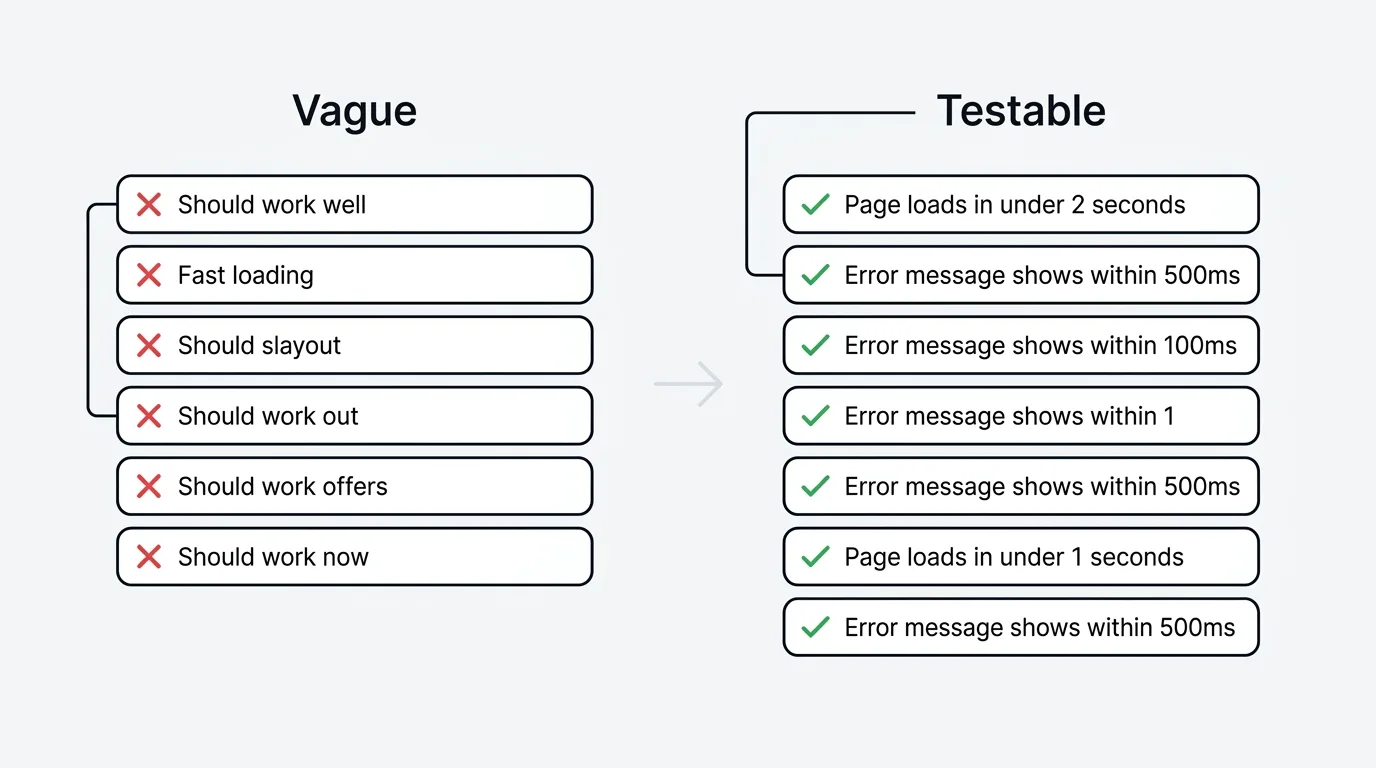
Acceptance criteria define what "done" means for a user story. They are the contract between product and engineering — the specific, testable conditions that a feature must satisfy before it ships. When acceptance criteria are vague ("the page should load fast"), engineering interprets them differently than product intended, QA cannot write meaningful tests, and the result is either rework or a feature that technically passes but does not solve the user's problem.
To write good acceptance criteria, describe the feature's behavior from the user's perspective as specific, binary conditions that either pass or fail. Use one of three formats — Given/When/Then, a checklist, or scenario-based — and replace every vague word with a number ("fast" becomes "under 2 seconds"). Ground the criteria in real user feedback so they cover the edge cases and expectations users actually have.
What acceptance criteria are (and are not)
Acceptance criteria are the conditions a feature must meet to be accepted by the product owner. They describe behavior from the user's perspective: what happens when the user does X, what the system shows, and what state changes occur.
They are not:
- Requirements — requirements describe what to build at a high level. Acceptance criteria describe how to verify it works.
- User stories — the user story describes the goal ("As a user, I want to filter reports by date"). Acceptance criteria describe the testable behaviors that satisfy that goal.
- Technical specifications — acceptance criteria describe what the user experiences, not how the code implements it. "Data is cached in Redis" is a technical decision, not an acceptance criterion.
- Definition of done — the definition of done is a team-level checklist that applies to all work (code reviewed, tests passing, deployed to staging). Acceptance criteria are specific to an individual story.
Three formats for writing acceptance criteria
Given/When/Then (Gherkin)
The most structured format, originally designed for behavior-driven development (BDD). Each criterion follows a three-part pattern:
- Given — the initial context or precondition
- When — the action the user takes
- Then — the expected outcome
Example:
Given a user is on the dashboard with date filters visible When the user selects "Last 7 days" from the date dropdown Then the dashboard updates to show only data from the past 7 days, and the date range label displays the selected range
Best for: Complex interactions with multiple preconditions. Teams practicing BDD where criteria map directly to automated tests.
Checklist format
A simple list of pass/fail conditions. Each item is a binary statement that can be verified.
Example:
- The search bar is visible on all pages
- Search returns results within 2 seconds for queries under 100 characters
- Results display title, description, and date for each match
- "No results found" message appears when the query matches zero items
- Search input is sanitized to prevent script injection
Best for: Straightforward features where a flat list of verifiable conditions is sufficient. Most teams default to this format for its simplicity.
Scenario-based format
Describes specific user scenarios end-to-end, covering the happy path and common edge cases.
Example:
Scenario 1: Successful password reset The user clicks "Forgot password," enters their registered email, receives a reset link within 60 seconds, and can set a new password that meets the strength requirements.
Scenario 2: Unregistered email The user enters an email that is not in the system. The form displays a generic message ("If an account exists, a reset link has been sent") without revealing whether the email is registered.
Scenario 3: Expired reset link The user clicks a reset link more than 24 hours after it was generated. The page displays "This link has expired" with an option to request a new one.
Best for: Features with multiple user paths where edge cases matter as much as the happy path.
10 real-world examples
1. User onboarding flow
- New users see the onboarding wizard on first login
- The wizard has 4 steps: profile, workspace, invite team, first project
- Users can skip any step and return to it later from settings
- Completing all 4 steps dismisses the wizard permanently
- Progress is saved if the user closes the browser mid-wizard
2. Search functionality
Given the user has typed at least 3 characters in the search bar When the user pauses typing for 300ms Then the system displays up to 10 matching results in a dropdown, ranked by relevance, within 500ms
Given the search returns no results When the dropdown renders Then it displays "No results for [query]. Try a different search term."
3. Email notification preferences
- Users can toggle email notifications on/off for each notification type independently
- Changes save immediately without requiring a "Save" button click
- A toast confirmation appears: "Notification preferences updated"
- Toggling "All notifications off" disables every individual toggle
- Re-enabling "All notifications" restores each toggle to its previous state (not all-on)
4. CSV data export
- The export button is visible to users with Admin or Editor roles
- Clicking "Export" generates a CSV file containing all visible columns in the current view
- Exported files use UTF-8 encoding with BOM for Excel compatibility
- Files larger than 10,000 rows generate in the background with an email notification when complete
- The filename follows the pattern:
[workspace]-[view]-[YYYY-MM-DD].csv
5. Role-based access control
Given a user with the Viewer role navigates to the settings page When the page loads Then all form fields are visible but disabled, and a banner displays "You need Editor or Admin access to change settings"
Given an Admin removes a user's Editor role When the role change is saved Then the affected user's session is updated within 60 seconds without requiring them to log out and back in
6. API rate limiting
- The API enforces a rate limit of 100 requests per minute per API key
- When the limit is exceeded, the API returns HTTP 429 with a
Retry-Afterheader indicating seconds until the next allowed request - The response body includes a JSON error:
{"error": "rate_limit_exceeded", "retry_after": <seconds>} - Rate limit counters reset at the start of each calendar minute
7. Feedback widget integration
- The widget loads within 2 seconds of page load on supported browsers (Chrome, Firefox, Safari, Edge — latest 2 versions)
- The widget trigger button is visible after the identify call resolves
- Clicking the trigger opens the feedback panel with a slide-in animation under 300ms
- Submissions appear on the feedback board within 5 seconds
- The widget does not affect the host page's Cumulative Layout Shift score
8. Two-factor authentication setup
Given a user navigates to Security settings and clicks "Enable 2FA" When the setup modal opens Then it displays a QR code and a manual entry key, with instructions for authenticator apps
Given the user scans the QR code and enters a valid 6-digit code When the user clicks "Verify" Then 2FA is enabled, recovery codes are displayed (downloadable as a text file), and a confirmation email is sent
Given the user enters an incorrect 6-digit code three times When the third failed attempt occurs Then the verify button is disabled for 30 seconds with a countdown timer
9. Billing plan upgrade
- The upgrade button shows the price difference between the current and target plan (prorated for the remaining billing period)
- Clicking "Confirm upgrade" charges the prorated amount to the payment method on file
- The new plan features are available within 30 seconds of successful payment
- A confirmation email includes the amount charged, new plan name, and next renewal date
- If payment fails, the user stays on their current plan with an error message and a link to update payment details
10. Slack integration setup
- Clicking "Connect to Slack" redirects to Slack's OAuth authorization page
- After authorization, the user is redirected back with the connected workspace name displayed
- The user can select which Slack channels receive notifications from a multi-select dropdown
- Test notification sends a formatted message to the selected channel within 10 seconds
- Disconnecting removes the OAuth token and stops all notifications within 60 seconds
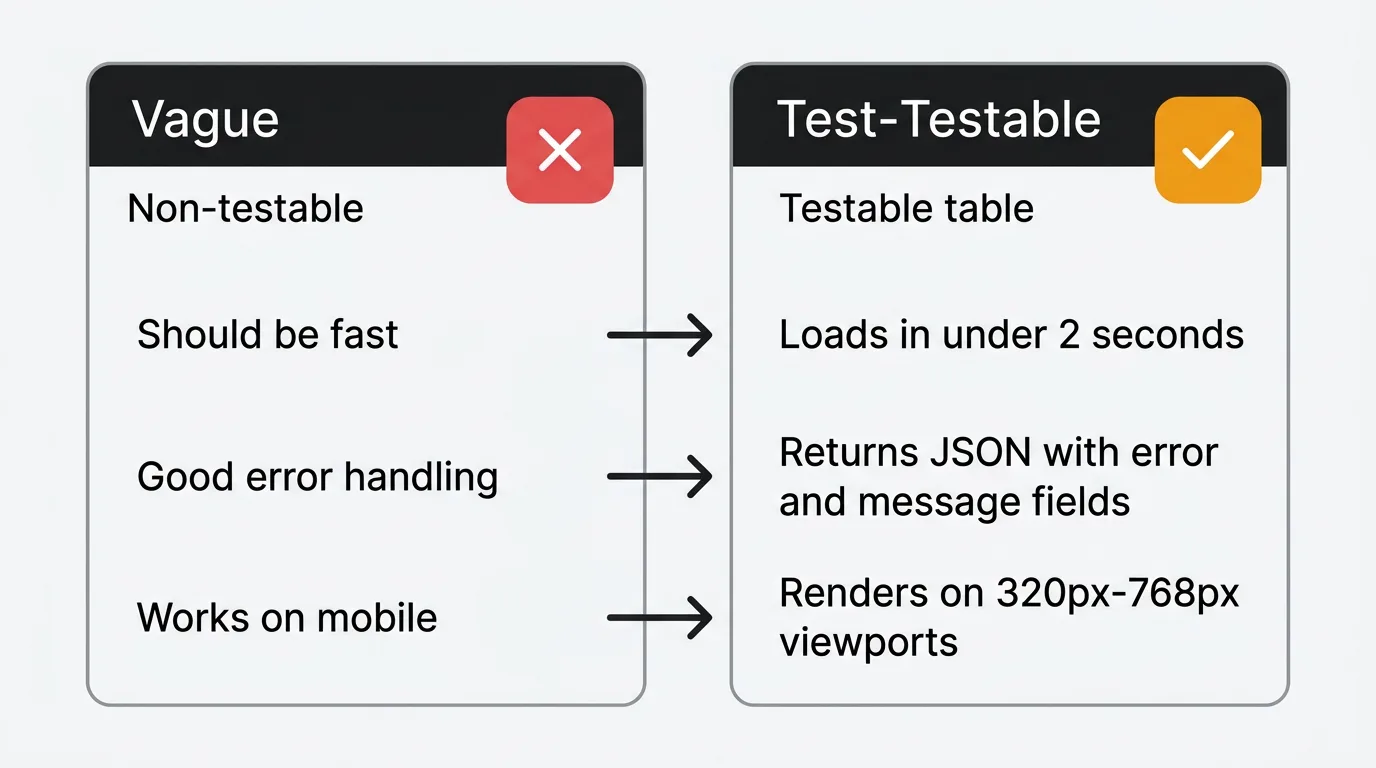
How to write testable criteria
Every acceptance criterion should be binary — it either passes or fails. If a criterion requires judgment to evaluate ("the page loads reasonably fast"), it is not testable.
Vague → Testable:
| Vague | Testable |
|---|---|
| The page should load fast | The page renders in under 2 seconds on a 4G connection |
| Error handling should be good | All API errors return a JSON body with error and message fields |
| The form should validate input | Email fields reject strings without an @ symbol and display an inline error within 200ms |
| The feature should work on mobile | The layout renders correctly on viewports from 320px to 768px wide |
| Search should be accurate | The first result matches the user's exact query in 90% of test cases |
The number test: If you can replace the vague word with a number, you should. "Fast" becomes "under 2 seconds." "Reasonable" becomes "within 24 hours." "Many" becomes "up to 50."
Using customer feedback to write better criteria
The best acceptance criteria are grounded in real user behavior, not assumptions. Feature requests and the comments attached to them provide this grounding.
When 47 users vote for a feature, their comments describe the problem in their own words. These descriptions contain the edge cases, workflows, and expectations that your acceptance criteria need to cover. A feature request that says "I need to export my data to share with my manager in Excel" tells you the export needs Excel compatibility — a criterion you might miss if you wrote it from the engineering perspective alone.
The pattern: read the feedback, extract the implicit expectations, and convert them into testable criteria. "Users want to filter by date" becomes the specific behaviors described in Example 2 above. The feedback provides the "what users expect." The acceptance criteria formalize it into "what we will verify." This is also where the same input shapes your user story — the story states the goal, the criteria state the proof.
Quackback keeps that loop close. It is open source, so the feedback that grounds your criteria lives in a board you control rather than a black box. Its MCP server exposes that feedback to AI agents directly, so an assistant can read the votes and comments on a request and draft a first pass of acceptance criteria you then refine.
Common mistakes
Too vague. "The feature should work correctly" is not an acceptance criterion. If it cannot fail a test, it is not testable.
Too detailed. Specifying CSS properties, database queries, or implementation algorithms in acceptance criteria couples them to technical decisions that should remain flexible. Describe the behavior, not the implementation.
Missing edge cases. The happy path is the easy part. What happens when the input is empty? When the network is slow? When the user does not have permission? Edge cases are where most bugs live.
Mixing criteria with tasks. "Set up the database migration" is a task, not a criterion. Criteria describe what the user experiences, not what the developer does to make it happen.
Writing them after development starts. Acceptance criteria should be agreed on before a sprint begins. Writing them mid-development leads to moving goalposts and scope creep.
Not involving engineering. Product writes criteria, engineering discovers they are technically impossible or prohibitively expensive. Writing criteria collaboratively surfaces constraints early.
Try Quackback — open source with a managed cloud option. Collect the feedback that grounds your acceptance criteria, then let the MCP server hand it to your AI agent. Start free. Get started | View on GitHub
Frequently asked questions
How many acceptance criteria should a user story have?
Three to eight is the sweet spot. Fewer than three suggests the story is trivial or under-specified. More than eight suggests the story is too large and should be split. Consistently writing more than ten criteria per story is a sign your stories are really epics.
Who writes acceptance criteria?
The product manager or product owner writes the initial criteria. Engineering reviews them for feasibility and completeness. QA reviews them for testability. The final criteria are a collaborative output, not a one-person document.
Should acceptance criteria include non-functional requirements?
Yes, when they are specific to the story. "The export completes within 30 seconds for datasets under 10,000 rows" is a valid performance criterion for an export feature. Global non-functional requirements (uptime, general page load times) belong in the definition of done, not individual story criteria.
What is the difference between acceptance criteria and test cases?
Acceptance criteria define what to verify. Test cases define how to verify it. One acceptance criterion ("search returns results within 500ms") might generate multiple test cases (test with 1 result, 100 results, 0 results, special characters, very long queries). Criteria come from product; test cases come from QA.
How do acceptance criteria relate to the definition of done?
The definition of done is a team-level checklist that applies to all work: code reviewed, tests passing, deployed to staging, documentation updated. Acceptance criteria are story-specific conditions that describe the feature's behavior. A story is complete when it meets both its acceptance criteria and the team's definition of done.

Authored by James Morton
Founder of Quackback. Building open-source feedback tools.
Try Quackback
The open-source feedback platform. Boards, voting, and roadmaps.
Get startedStar on GitHub305