
A bad bug report wastes more time than the bug itself. "It doesn't work" tells your team nothing. Your developer now has to track down the reporter, ask clarifying questions, attempt to reproduce the issue blind, and hope they find the right environment. That's an hour of lost work before anyone has looked at code.
Good bug reports are self-contained. They give the next person everything they need to reproduce, understand, and fix the problem without any back-and-forth.
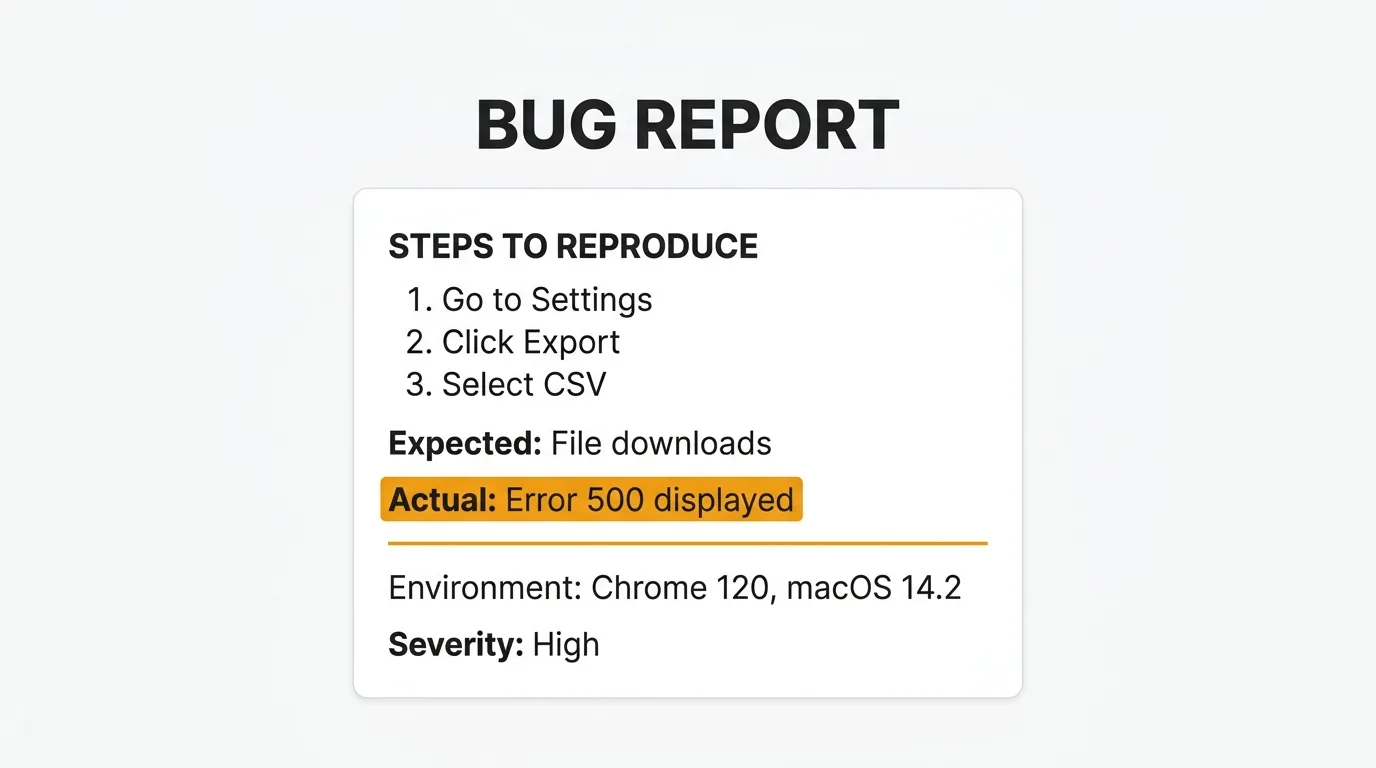
The templates below cover five scenarios: general development, QA testing, customer-reported issues, GitHub Issues, and Jira. Copy the one that fits your workflow and adapt it to your team's needs.
What makes a good bug report
A good bug report is reproducible, specific, and includes enough environment detail that someone who has never seen the bug can reproduce it from your description alone.
Reproducibility is the foundation. If your developer cannot reproduce the bug, they cannot fix it. Vague reports like "the page crashed" or "checkout didn't work" fail this test. A good report describes the exact sequence of steps that reliably triggers the issue.
Specificity means including the what, not just the that. Not "the button doesn't work" but "clicking the Submit button on the /checkout page with an empty cart triggers a 500 error instead of the expected validation message."
Environment details matter because bugs are often context-dependent. A bug that appears in Safari 17 on macOS but not in Chrome may point to a CSS rendering issue. A bug that appears in production but not in staging may point to a configuration difference. Without environment information, your team is guessing.
Severity and priority belong in every report. Not all bugs are equal. A crash on the sign-up page blocks new users entirely. A misaligned icon on the settings page does not. Clear severity labels help your team triage without reading every report in full.
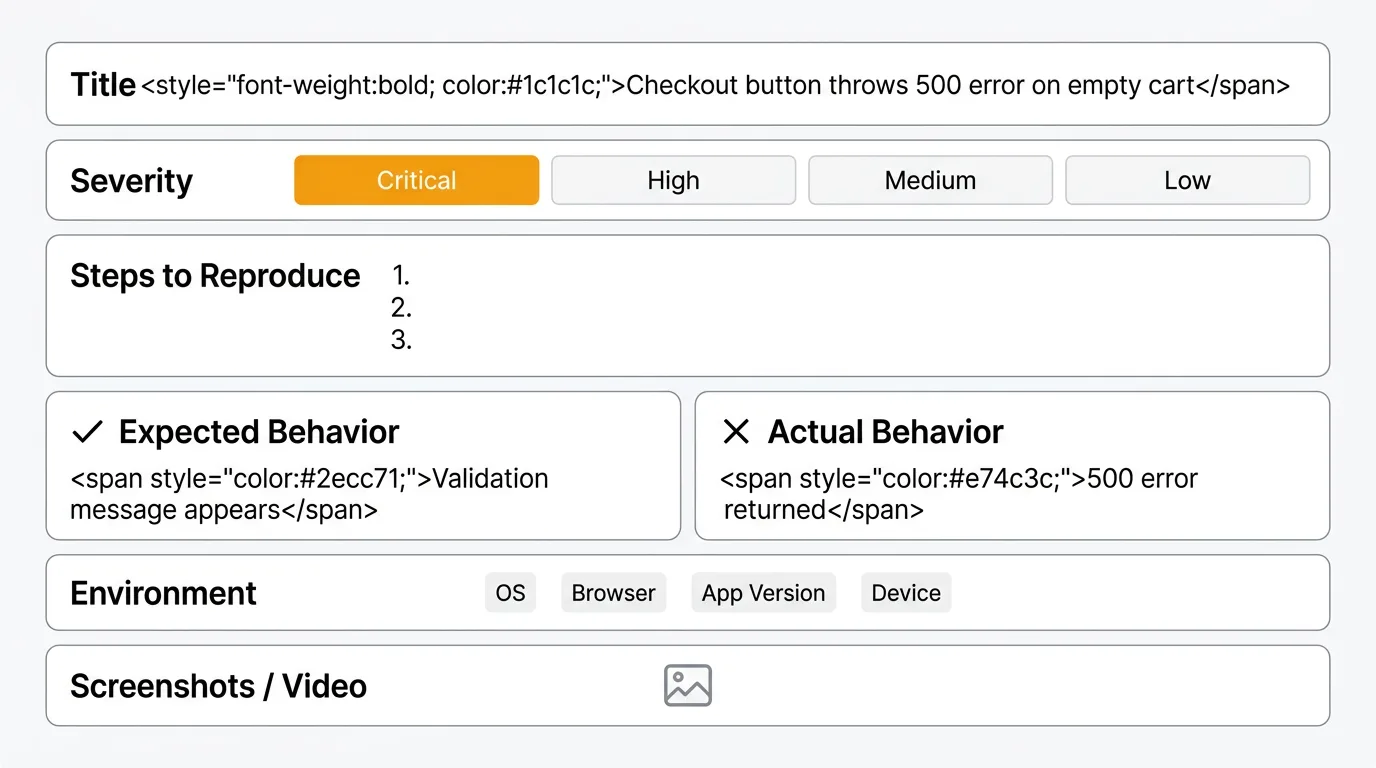
Simple bug report template
This template works for any bug, in any codebase, submitted by any member of your team. It covers the essentials without requiring specialized knowledge.
## Bug Report

**Title:** [Short, specific description of the bug]

**Severity:** Critical / High / Medium / Low

---

### Steps to reproduce

1. Go to [URL or screen]
2. [Action taken]
3. [Next action]
4. [Continue until bug occurs]

### Expected behavior

[What should happen when you follow the steps above]

### Actual behavior

[What actually happens — be specific about error messages, incorrect output, or unexpected state]

### Environment

- **OS:** [e.g. macOS 14.4, Windows 11, Ubuntu 22.04]
- **Browser:** [e.g. Chrome 124, Safari 17.4, Firefox 125] (if applicable)
- **App version / build:** [e.g. v2.3.1, build #4502]
- **Device:** [e.g. Desktop, iPhone 15 Pro] (if applicable)

### Screenshots / video

[Attach or link to any visual evidence. Include console errors if relevant.]

### Additional context

[Any other information that might help: recent changes, frequency of occurrence, whether the bug is consistent or intermittent]
This template is intentionally lean. It forces the reporter to think through the minimum information needed for reproduction. For most bug reports, this is sufficient.
QA bug report template
QA teams need more structure. A bug found during testing has additional context: the test case that exposed it, the build it was found in, and whether it's a regression. This template captures that information systematically.
## QA Bug Report

**Title:** [Short, specific description of the bug]

**Severity:** Critical / High / Medium / Low
**Priority:** P1 / P2 / P3 / P4

**Test case ID:** [e.g. TC-204]
**Build version:** [e.g. v2.4.0-rc.1, build #5018]
**Date found:** [YYYY-MM-DD]
**Found by:** [Tester name]

---

### Is this a regression?

- [ ] Yes — previously working, broken in this build
- [ ] No — new functionality, never worked
- [ ] Unknown

**Last known good build (if regression):** [e.g. v2.3.1, build #4902]

### Test environment

| Environment | Value |
|-------------|-------|
| OS | [e.g. Windows 11 22H2] |
| Browser | [e.g. Chrome 124.0.6367.82] |
| Device | [e.g. Desktop / iPhone 15 / Samsung Galaxy S24] |
| Test environment | [e.g. Staging, QA, UAT] |
| Network | [e.g. VPN, corporate proxy, standard broadband] |

### Steps to reproduce

1. [Preconditions: account type, test data, permissions required]
2. [Step 1]
3. [Step 2]
4. [Continue until bug occurs]

### Expected behavior

[What the test case expects to happen]

### Actual behavior

[What actually happened — include full error messages, incorrect values, or unexpected state]

### Reproducibility

- [ ] Always (100%)
- [ ] Often (>50%)
- [ ] Intermittent (<50%)
- [ ] Rare (occurred once)

### Affected environments

| Environment | Affected? |
|-------------|-----------|
| Development | Yes / No / Not tested |
| Staging | Yes / No / Not tested |
| Production | Yes / No / Not tested |

### Attachments

- [ ] Screenshot(s)
- [ ] Screen recording
- [ ] Console log
- [ ] Network log (HAR file)
- [ ] Test data used

### Notes

[Additional observations, related tickets, workarounds discovered]
The regression check is particularly important. Knowing that a bug was working in the previous build narrows the search significantly — your developer can focus on what changed between the last good build and the current one.
Customer-reported bug template
Customers are not developers. They don't know what a stack trace is, they can't tell you their browser version without help, and they shouldn't have to. A customer-facing bug template should be as simple as possible while still capturing the information your team needs.
## Something not working? Tell us what happened.

**What happened?**
[Describe what went wrong in your own words]

**What did you expect to happen?**
[What were you trying to do, and what did you think would happen?]

**When did this happen?**
[e.g. Today around 2pm, last Tuesday, every time I try to do X]

**How often does this happen?**
- [ ] Every time I try
- [ ] Sometimes
- [ ] Only happened once

**What were you using?**
- [ ] Computer (Windows)
- [ ] Computer (Mac)
- [ ] iPhone / iPad
- [ ] Android phone or tablet
- [ ] Other: ___________

**Screenshot**
[If you can, attach a screenshot of the problem. It helps us find and fix it faster.]

**Your email (optional)**
[So we can follow up with you directly when it's fixed]
Keep the customer template short. Every additional field reduces completion rates. The goal is to capture enough to reproduce the issue internally — your support team can follow up for more detail if needed.
If you use a feedback tool, this template can feed directly into your feedback board so reports are visible to your team without manual routing.
GitHub Issues bug template
GitHub supports structured issue templates via YAML. Place this file at .github/ISSUE_TEMPLATE/bug_report.yml in your repository. It renders as a form in the GitHub UI, which significantly improves report quality compared to freeform markdown.
name: Bug Report
description: Report a bug or unexpected behavior
title: "[Bug]: "
labels: ["bug", "triage"]
assignees: []

body:
  - type: markdown
    attributes:
      value: |
        Thank you for taking the time to report a bug. Fill out as much detail as you can.
        Before submitting, please search existing issues to avoid duplicates.

  - type: textarea
    id: description
    attributes:
      label: What happened?
      description: A clear description of the bug.
      placeholder: Describe what went wrong.
    validations:
      required: true

  - type: textarea
    id: reproduction
    attributes:
      label: Steps to reproduce
      description: Exact steps to reproduce the behavior.
      placeholder: |
        1. Go to '...'
        2. Click on '...'
        3. Scroll down to '...'
        4. See error
    validations:
      required: true

  - type: textarea
    id: expected
    attributes:
      label: Expected behavior
      description: What did you expect to happen?
    validations:
      required: true

  - type: textarea
    id: actual
    attributes:
      label: Actual behavior
      description: What actually happened? Include error messages verbatim.
    validations:
      required: true

  - type: input
    id: version
    attributes:
      label: Version
      description: What version of the software are you running?
      placeholder: e.g. v2.3.1
    validations:
      required: true

  - type: dropdown
    id: os
    attributes:
      label: Operating system
      options:
        - macOS
        - Windows
        - Linux
        - iOS
        - Android
        - Other
    validations:
      required: true

  - type: dropdown
    id: browser
    attributes:
      label: Browser (if applicable)
      options:
        - Chrome
        - Firefox
        - Safari
        - Edge
        - Not applicable
        - Other

  - type: dropdown
    id: severity
    attributes:
      label: Severity
      options:
        - Critical — app crash, data loss, security issue
        - High — major feature broken, no workaround
        - Medium — feature partially broken, workaround exists
        - Low — minor visual or UX issue
    validations:
      required: true

  - type: textarea
    id: context
    attributes:
      label: Additional context
      description: Screenshots, logs, or any other relevant information.

  - type: checkboxes
    id: checklist
    attributes:
      label: Checklist
      options:
        - label: I have searched existing issues and this is not a duplicate
          required: true
        - label: I have tested this on the latest version
          required: false
The YAML format enforces completeness. Required fields cannot be skipped, dropdown fields prevent inconsistent entries, and the checklist reminds reporters to search for duplicates before submitting.
Jira bug template
Jira uses structured fields rather than freeform markdown. The template below maps to standard Jira issue fields. Your Jira admin can configure a Bug issue type with these fields as defaults, or you can paste the description block into a Jira text field using the Jira markup format.
Summary: [Short, specific description — used as the issue title]

Issue Type: Bug

Priority: Blocker / Critical / Major / Minor / Trivial

Labels: [e.g. regression, frontend, api, mobile]

Components: [Relevant components or services]

Affects Version: [e.g. v2.3.1]

Environment:
  OS: [e.g. macOS 14.4]
  Browser: [e.g. Chrome 124]
  Build: [e.g. build #5018]
  Environment: [Production / Staging / QA]

---

h2. Description

[Brief description of the bug and its impact on users or the system]

h2. Steps to Reproduce

# Go to [URL or screen]
# [Action]
# [Action]
# Observe [the bug]

h2. Expected Behavior

[What should happen]

h2. Actual Behavior

[What actually happens — include exact error messages]

h2. Workaround

[If a workaround exists, document it here so affected users can be informed]

h2. Attachments

[Link to or attach screenshots, recordings, logs, or HAR files]

h2. Related Issues

[Link to any related bugs, feature requests, or support tickets]
Jira's field-based structure means some information lives outside the description. Make sure your team consistently uses the Priority and Labels fields — bulk filtering by label is far faster than reading through individual descriptions when triaging a backlog.
Bug report vs feature request
Not everything that feels like a bug is one. The distinction matters because bugs and feature requests are handled differently, prioritized differently, and routed to different parts of your workflow.
A bug is behavior that deviates from what was specified or expected. If the login button throws a 500 error, that's a bug. If the export function produces a malformed CSV, that's a bug. The product is not doing what it's supposed to do.
A feature request is a desire for behavior the product was never designed to have. "I wish I could export to Excel" is a feature request, not a bug — the export function may be working exactly as designed. "The dark mode toggle doesn't persist between sessions" could be either, depending on whether persistence was part of the original spec.
The practical test: if you can point to documented behavior or a user's reasonable expectation that is being violated, it's a bug. If you're asking for something new, it's a feature request.
Misclassifying requests leads to poor prioritization. Bug fixes typically carry more urgency than feature development — a bug that blocks users needs to be fixed before you build new features. If feature requests get logged as bugs, your bug count becomes meaningless as a health metric.
For feature request handling, see the feature request template and our guide to the best feature request tools.
Best practices for bug reports
One bug per report. Combining multiple issues in a single report makes it hard to assign, track, and close. If you found three bugs, file three reports.
Always include reproduction steps. A bug without reproduction steps is a complaint, not a report. Even if the issue seems obvious, write out the steps. What seems obvious to you may not be obvious to the developer who has never used that feature.
Attach visuals whenever possible. A screenshot or screen recording eliminates ambiguity. A console screenshot showing the exact error message is more useful than a typed transcription of it.
Note severity clearly. Don't leave severity to inference. A report that says "the dashboard is broken" could be anything from a cosmetic glitch to a full outage. Use a severity scale consistently and define it for your team.
Include the environment. OS, browser, and version aren't optional fields. A bug that appears in one environment and not another often points directly at the cause.
Test on the latest version first. Before filing a bug, verify it occurs on the current release. Bugs in older versions that are already fixed waste triage time. If you can't update, note the version you're on and why.
Follow up when asked. Developers often need more information. A bug report where the reporter goes silent after filing is a bug report that stays open. If someone asks for clarification, respond promptly.
For a broader look at how to build feedback processes that work, see the guide on collecting customer feedback.
Frequently asked questions
What should I include in a bug report title?
The title should describe the specific behavior and the context in which it occurs. A good formula: [Component] [action] [unexpected result]. For example: "Checkout button throws 500 error when cart is empty" or "User avatar missing on mobile Safari after login." Avoid vague titles like "Bug on checkout page" or "Login issue" — these make triage harder and searching the backlog nearly impossible.
How do I determine the severity of a bug?
Severity is about impact on users, not urgency from a business perspective. A common four-level scale: Critical (app crash, data loss, security vulnerability, or complete feature outage with no workaround), High (major feature broken with no workaround), Medium (feature partially broken or has a workaround), Low (cosmetic issue or minor inconvenience). Agree on definitions with your team before you start filing — inconsistent severity labels are almost as bad as no severity labels at all.
What's the difference between severity and priority?
Severity describes the impact of the bug on the user. Priority describes the urgency with which your team needs to fix it. A critical bug in a feature used by 0.1% of users may have lower priority than a medium-severity bug that affects every new signup. Both fields belong on a bug report because they answer different questions. Severity is set by the reporter based on impact. Priority is set by the team based on what needs to be fixed first given current resources and context.

Authored by James Morton
Founder of Quackback. Building open-source feedback tools.
Try Quackback
The open-source feedback platform. Boards, voting, and roadmaps.
Get startedStar on GitHub305