
Feature requests arrive everywhere: Slack, email, support tickets, sales calls. Without a template, half of them are missing the context you need to evaluate them. A request that says "can you add dark mode" gives you almost nothing — you don't know who wants it, how many users it affects, or how it compares to everything else on your roadmap.
A template fixes that. It standardizes what you capture, makes prioritization possible, and gives your team a shared language for talking about user needs.
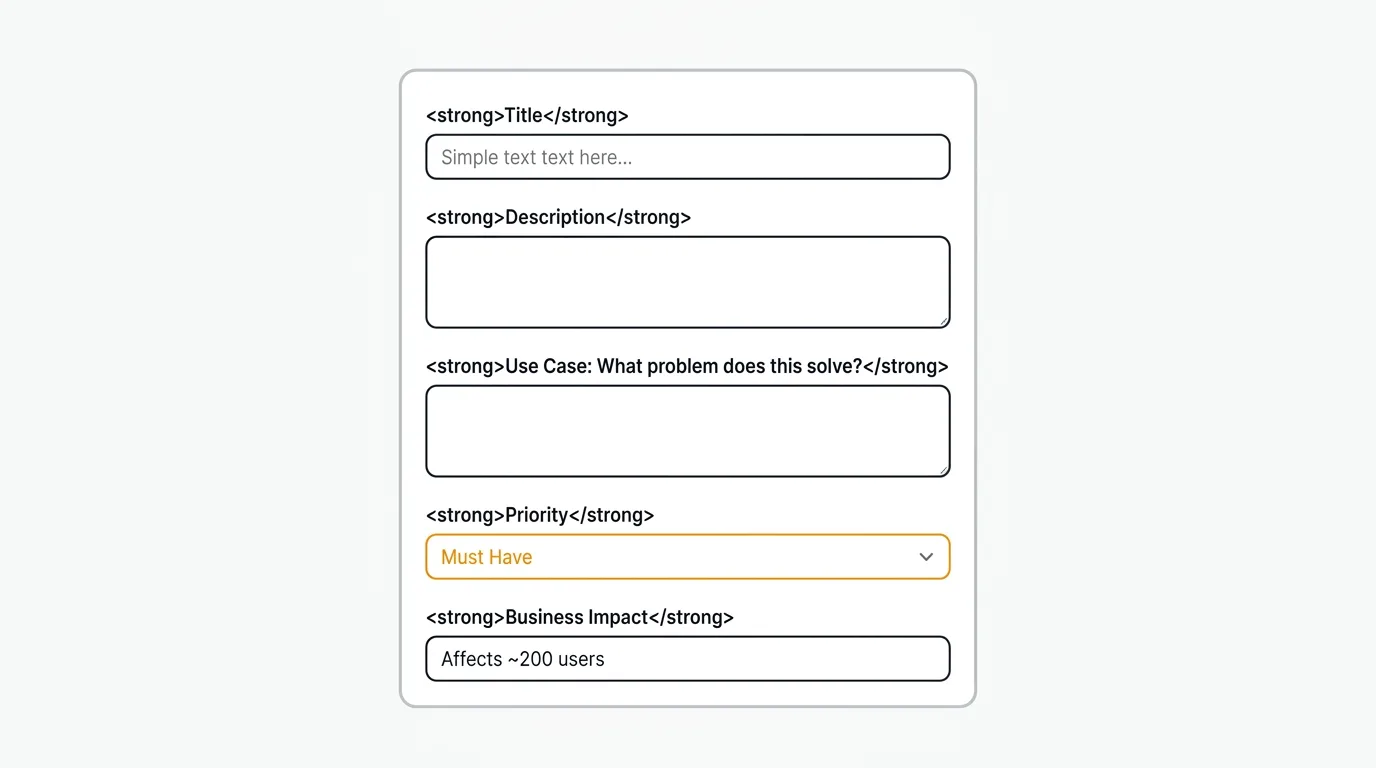
A feature request template is a standardized form that captures the same fields for every incoming request — what the user wants, why they want it, who is affected, and what they do today instead — so a team can compare and prioritize requests fairly. This guide includes four copyable Markdown templates: simple, detailed, internal, and customer-facing.
The right template depends on who is submitting the request and where. A public feedback form needs to be short. An internal product spec needs to be thorough. The templates below cover both ends of that spectrum, plus everything in between.
Why you need a feature request template
A feature request template enforces a consistent structure on every request that arrives. When there is no standard format, every request looks different. Some include a detailed use case. Others are a single sentence. The inconsistency makes it impossible to compare requests fairly or estimate their impact.
A template does three things. It standardizes intake so requests arrive with the same structure every time. It captures context — who wants this, why they want it, what they do today instead — that you need to prioritize intelligently. And it makes the process repeatable so your team spends less time chasing clarification and more time building.
Templates also set expectations. When users see a structured form, they understand that you take requests seriously and have a process for evaluating them. That builds trust, even when you say no.
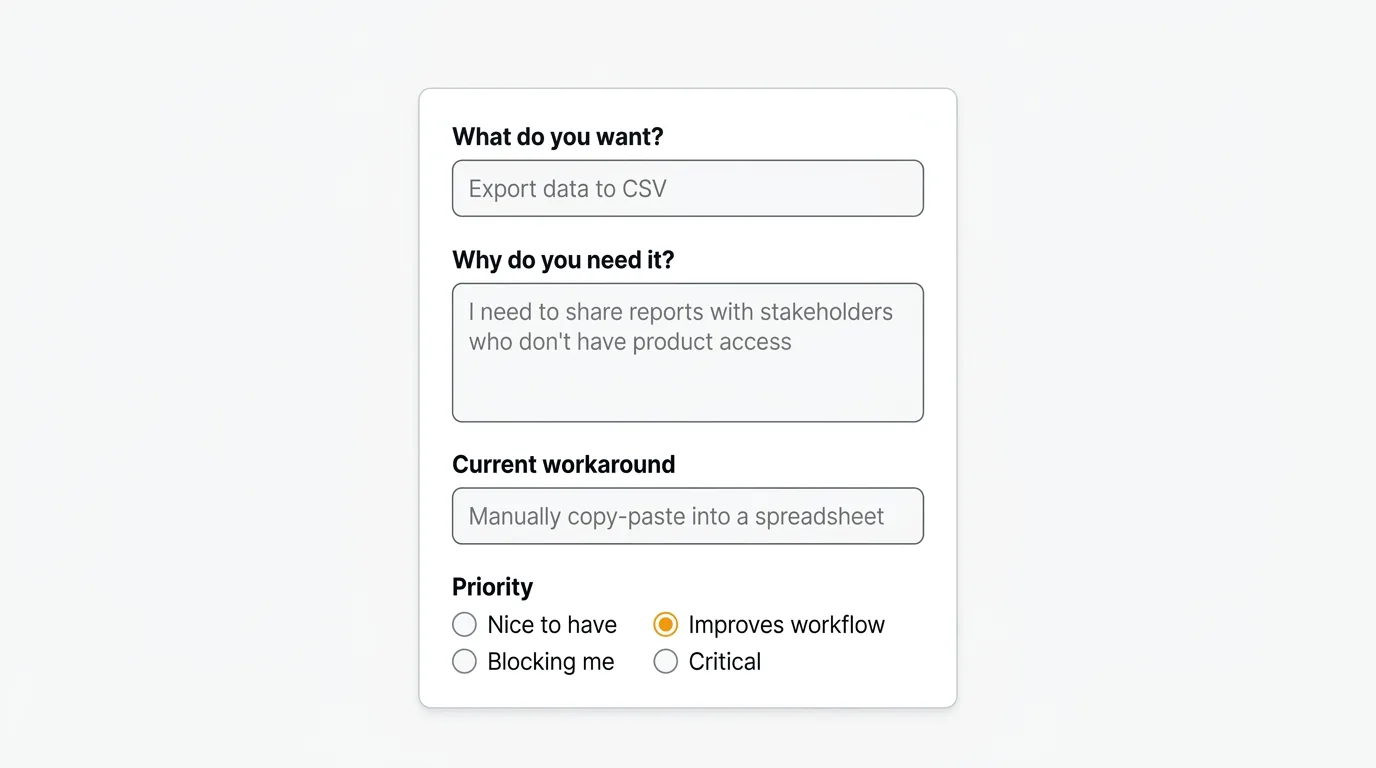
Simple feature request template
Use this for lightweight intake — a shared doc, a Notion page, or a basic form. It covers the minimum you need to evaluate a request without overwhelming the submitter.
## Feature Request

**Title:** [Short, descriptive name for the feature]

**Submitted by:** [Name, role, or team]

**Date:** [YYYY-MM-DD]

**Description:**
What do you want the product to do? Describe the feature in one to three sentences.

**Use case:**
When would you use this? Walk through the specific situation that prompted this request.

**Priority:**
[ ] Nice to have
[ ] Would significantly improve my workflow
[ ] Blocking me from using the product effectively

**Additional context:**
Links, screenshots, or examples from other products (optional).
This template works well for small teams where requests come from a handful of internal stakeholders. It keeps things fast — most people can fill it out in two minutes. As your team grows and request volume increases, you will want more detail.
Detailed feature request template
When you need to prioritize across a large backlog, the simple template is not enough. This version adds the business context that makes prioritization frameworks like RICE and ICE work.
## Feature Request

**Title:** [Short, descriptive name for the feature]

**Submitted by:** [Name, role, or team]

**Date:** [YYYY-MM-DD]

**Description:**
What do you want the product to do? Be specific about the behavior, not the implementation.

**Use case:**
Describe the specific situation that prompted this request. Include the job to be done.

**Number of affected users:**
How many users does this affect? Include data if you have it (e.g., support ticket volume, survey responses, sales call mentions).

**Business impact:**
What happens if this is not built? Does it affect retention, expansion, or acquisition?
[ ] Reduces churn risk
[ ] Enables upsell or expansion
[ ] Unblocks sales deals
[ ] Improves user satisfaction
[ ] Other: ___

**Current workaround:**
What do users do today instead? How painful is it?

**Acceptance criteria:**
How would you know this request has been fulfilled? What does "done" look like from the user's perspective?

**Priority:**
[ ] Low — nice to have
[ ] Medium — meaningful improvement
[ ] High — significant impact on retention or revenue
[ ] Critical — blocking users or deals

**Linked feedback:**
Links to support tickets, sales call notes, survey responses, or user interviews that mention this request.
The linked feedback field is particularly important. A feature request with five support tickets and three sales call references attached is categorically different from one person's opinion. That evidence is what separates a priority from a wish.
Internal feature request template
When engineering or product teams are evaluating whether to build something, they need a different set of fields. This template adds technical feasibility and strategic alignment — the questions that determine whether a request makes it onto a roadmap.
## Internal Feature Request / Product Spec

**Title:** [Feature name]

**Author:** [Name]

**Date:** [YYYY-MM-DD]

**Status:** [ ] Draft  [ ] Under review  [ ] Approved  [ ] Declined

---

### Problem statement
What problem does this solve? Write this from the user's perspective, not the product's.

### Proposed solution
Describe the feature at a high level. Avoid specifying implementation details unless they are constraints.

### User impact
- Target users:
- Number of affected accounts/users:
- Frequency of use (daily / weekly / occasionally):

### Business case
- Effect on retention:
- Effect on acquisition or sales:
- Revenue impact (if quantifiable):

### Strategic alignment
How does this map to current product priorities? Reference the relevant goal or OKR if applicable.

### Technical feasibility
- Estimated effort: [ ] Small (< 1 week)  [ ] Medium (1–4 weeks)  [ ] Large (1–3 months)  [ ] XL (3+ months)
- Dependencies or blockers:
- Known technical risks:

### Alternatives considered
What other approaches were considered? Why was this solution chosen?

### Success metrics
How will you measure whether this feature achieved its goal after launch?

### Open questions
List anything that needs to be resolved before work begins.
The status field matters more than it looks. It lets everyone see at a glance whether a request is being evaluated, approved, or has been declined — and it avoids the situation where a request disappears into a backlog with no visible outcome.
Customer-facing feature request form
Public-facing forms need to be short. The more questions you ask, the fewer requests you tend to get — most people will not invest more than a minute or two filling out a form for a feature they may never see built.
For a public feedback board or a form embedded in your product, keep it to three fields:
## Request a Feature

**Title:**
Give your request a short, clear name. (e.g., "Export data to CSV", "Dark mode", "Slack integration")

**Description:**
Describe what you want and why it would help you. What are you trying to accomplish?

**Category:**
[ ] Integrations
[ ] Reporting and analytics
[ ] Notifications
[ ] UI and usability
[ ] Performance
[ ] Other
Do not ask for priority, business impact, or effort estimates on a public form. Users do not have that context, and asking for it signals that you do not understand their role. Let your team assign those fields internally after the request comes in.
What you should not include: email fields that are not pre-filled, open-ended questions about competitors, or any field that requires the user to think about your roadmap rather than their own problem. Keep the form focused on capturing the problem, not solving it.
For a dedicated feedback portal where users can submit requests and vote on existing ones, tools designed for this purpose handle the form automatically. See our comparison of feature request tools and feature voting tools for options.
Bug vs. feature request
The line between a bug and a feature request matters because they follow different processes. A bug is when the product does not do what it is supposed to do. A feature request is when the product works as designed, but the user wants it to do something more or different.
In practice, users often report bugs as feature requests and vice versa. "I can't export my data" might be a bug if export was supposed to work, or a feature request if export does not exist yet. Your intake process needs to handle the triage.
When you receive a request, ask: did we promise this behavior? If yes and it is broken, it is a bug. If no, it is a feature request. The response process is different — bugs typically go to an engineering queue with severity and urgency fields, while feature requests go through your prioritization process. For a complete bug reporting workflow, see our bug report template.
Some teams use a single intake form with a type field ([ ] Bug [ ] Feature request [ ] Improvement) to let submitters self-classify, with the understanding that your team will re-categorize if needed.
How to organize and track requests
A template solves the intake problem. A tracking system solves the organization problem. Without both, requests are still getting lost — they are just arriving in a more consistent format.
Spreadsheets are a common starting point. A shared Google Sheet with columns for title, requester, date, status, priority, and impact gives you a searchable list. The problems emerge as volume grows: you cannot let users vote on requests, you cannot show them what is in progress, and you cannot close the feedback loop without manually emailing people. Spreadsheets also do not aggregate duplicates — the tenth person to request the same thing creates a tenth row rather than adding weight to an existing one.
Dedicated tools solve these problems. A purpose-built feedback tool lets users submit and upvote requests, automatically surfaces the most-requested items, and lets you communicate status changes to everyone who requested a feature when it ships. That last piece — closing the loop — is where most teams fall down.
Quackback is built for exactly this workflow. Users submit requests through your public feedback board or an embedded widget, upvote items they care about, and automatically get notified when the status changes. Your team sees requests ranked by votes and linked to the original submitter context. The voting feature surfaces demand across your entire user base, not just the users who are loudest in Slack.
Quackback is open source (AGPL-3.0), so the whole team can triage requests together. You can run the managed Quackback Cloud or self-host it for free. AI triage and summarization are built in, and the MCP server lets you query and update feedback directly from tools like Claude. When a request ships, the changelog and roadmap close the loop with everyone who asked for it.
For a broader look at how to build a feedback process that feeds into your roadmap, see our guide on building a customer feedback loop. If you are weighing alternatives, compare Quackback vs Canny and Quackback vs Featurebase.
Try Quackback — open source with a managed cloud option. Start free. Get started | View on GitHub
Frequently asked questions
How detailed should a feature request template be?
Match the detail to who fills it out. Public-facing forms should stay at three or four fields, since longer forms tend to collect fewer requests. Internal stakeholders can handle a detailed template with business impact and affected-user counts. Use the simplest template that captures what you actually use when prioritizing.
How do you prioritize feature requests once you have collected them?
Use a scoring framework. RICE (Reach, Impact, Confidence, Effort) forces you to quantify what matters, and vote counts from a feedback board supply the Reach and Impact inputs. MoSCoW works for quick triage. The goal is a repeatable process, not deciding by whoever spoke up most recently.
Should you respond to every feature request?
Yes, at minimum with a status update. Users who never hear back stop submitting requests. You do not have to build every feature, but acknowledge receipt, give an honest read on likelihood, and follow up on status changes. A dedicated feedback tool makes this practical once manual emails stop scaling.

Authored by James Morton
Founder of Quackback. Building open-source feedback tools.
Try Quackback
The open-source feedback platform. Boards, voting, and roadmaps.
Get startedStar on GitHub305