
Linear is a modern issue tracker built for product teams. It launched in 2019 and gained traction quickly among startups and growth-stage companies that wanted something faster and more opinionated than Jira. The interface is keyboard-driven, the defaults are sensible, and the workflows are built around cycles, projects, and triage rather than customizable-everything. More than 25,000 companies now use Linear.
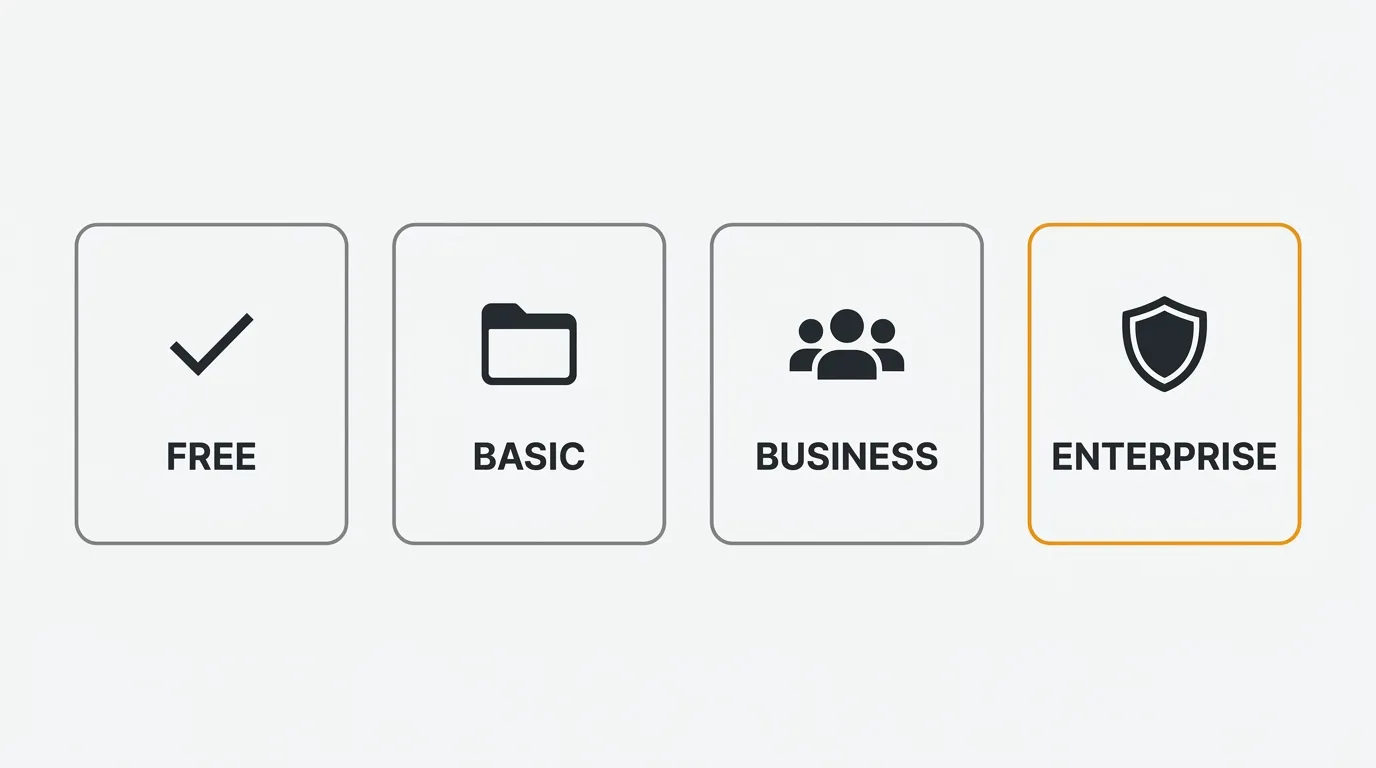
Linear's free plan gives you unlimited members but caps you at 250 non-archived issues and 2 teams, which most active teams hit within weeks. Paid plans are per-user, per-month: Basic is $10/user/month and Business is $16/user/month, both billed annually, with Enterprise on custom pricing. AI agents are included on every plan at no extra cost, and costs scale linearly with headcount. The main gotchas: SAML/SCIM SSO requires Enterprise, and Zendesk/Intercom integrations require Business.
Pricing last verified March 2026. Vendors may change plans and pricing without notice. Check Linear's pricing page for the latest figures.
Linear's pricing model is straightforward: per-user, per-month, with annual billing as the default. There are no tracked-user tiers, no session limits, and no usage-based surprises. The main constraint on the free plan is the 250 non-archived issue cap, which most teams hit within weeks of active use.
Linear's pricing plans
Linear offers four tiers in 2026. The pricing page shows annual billing rates. Monthly billing is available but at a premium (rates not published — expect 15-20% more).
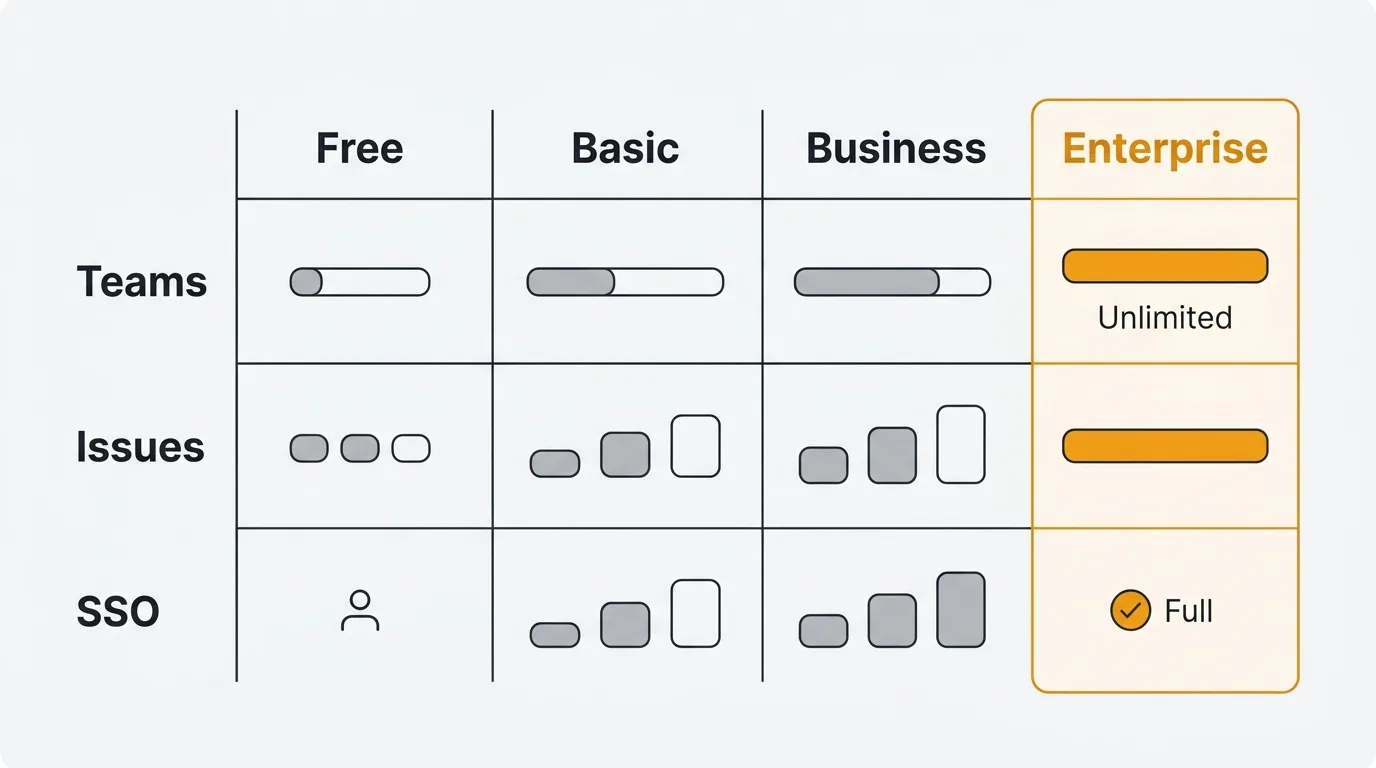
| Plan | Price (billed annually) | Members | Teams | Issues | Key Features |
|---|---|---|---|---|---|
| Free | $0 | Unlimited | 2 | 250 (non-archived) | Slack and GitHub access, AI agents, 10MB file uploads |
| Basic | $10/user/mo | Unlimited | 5 | Unlimited | Unlimited file uploads, admin roles, full API access |
| Business | $16/user/mo | Unlimited | Unlimited | Unlimited | Private teams, guests, Triage Intelligence, Linear Insights, Linear Asks, Zendesk and Intercom integrations |
| Enterprise | Custom (annual only) | Unlimited | Unlimited | Unlimited | SAML/SCIM, granular admin controls, advanced org modeling, migration support, priority support |
Free
The free plan lets you add unlimited members, which is generous. The catch is in the constraints: 2 teams, 250 non-archived issues, and a 10MB file upload limit. You get Slack and GitHub integrations and access to Linear's AI agents. For a two-person side project, this works. For a product team shipping weekly, 250 issues runs out fast. The enforcement is strict — when you hit 250 non-archived issues, new issue creation is blocked with no grace period.
Basic — $10/user/month (billed annually)
Basic removes the issue cap and increases the team limit to 5. You get unlimited file uploads, admin roles for managing permissions, and full API access. This is the plan most small-to-mid-size teams land on. At $10/user/month billed annually ($120/user/year), it is competitively priced against other project tracking tools. Monthly billing is available at a higher rate if you want flexibility without a full-year commitment, though the exact monthly price is not published on the pricing page.
Business — $16/user/month (billed annually)
Business unlocks unlimited teams, private teams, and guest access. You also get Triage Intelligence (AI-assisted issue routing), Linear Insights (analytics on team velocity and cycle performance), and Linear Asks (a question-and-answer layer on top of your issue data). Zendesk and Intercom integrations are only available at this tier, which matters for teams that want customer support context flowing into their issue tracker.
The $6/user/month premium over Basic is driven by three things: unlimited teams, support integrations, and AI-powered analytics. If you do not need Zendesk/Intercom integration or Triage Intelligence, Basic may be sufficient.
Enterprise — custom pricing
Enterprise adds SAML and SCIM for identity management, granular admin controls, enterprise-grade security, and advanced organizational modeling for complex team structures. Pricing requires a sales conversation. Annual billing only. Invoice/PO billing is available. Migration and onboarding support is included. Industry estimates put Enterprise pricing at $250-$350/user/year for teams around 100 users, with volume discounts reducing the effective rate to $230-$300/user/year at 500+ users. Implementation fees are typically waived for contracts over $50,000.
Linear pricing at scale
Linear's per-user pricing scales linearly. No volume discounts are published for Basic or Business plans. Enterprise may include negotiated rates.
| Team Size | Basic (Annual Billing) | Business (Annual Billing) | Monthly Cost Difference |
|---|---|---|---|
| 10 users | $1,200/yr ($100/mo) | $1,920/yr ($160/mo) | +$60/mo for Business |
| 25 users | $3,000/yr ($250/mo) | $4,800/yr ($400/mo) | +$150/mo for Business |
| 50 users | $6,000/yr ($500/mo) | $9,600/yr ($800/mo) | +$300/mo for Business |
| 100 users | $12,000/yr ($1,000/mo) | $19,200/yr ($1,600/mo) | +$600/mo for Business |
| 200 users | $24,000/yr ($2,000/mo) | $38,400/yr ($3,200/mo) | +$1,200/mo for Business |
| 500 users | $60,000/yr ($5,000/mo) | $96,000/yr ($8,000/mo) | +$3,000/mo for Business |
Prices reflect annual billing rates ($10/user/mo Basic, $16/user/mo Business).
At 50 users on the Business plan, you are paying $9,600 per year. At 100 users, $19,200 per year. At 500 users on Business, costs reach $96,000 annually — at which point Enterprise negotiations become worthwhile for potential volume discounts.
These numbers are predictable. There are no usage-based overages, no tracked-user thresholds, no session limits. But per-user pricing means every new hire or contractor with a Linear seat adds to your bill. There is no read-only or viewer tier that would let stakeholders follow progress without a full paid seat.
For comparison, Jira Standard at 100 users costs approximately $9,036/year ($7.53/user/month). Linear Business at 100 users costs $19,200/year — roughly 112% more. However, Jira offers free stakeholder licenses for unlimited read-only access, which creates a cost advantage for organizations with many external collaborators or observers. The choice between the two usually comes down to workflow preferences and team culture rather than pricing alone.
Enterprise pricing is custom. For teams above 100 users, expect to negotiate directly with Linear's sales team. Volume discounts are not publicly documented but are available.
Free plan limitations
The free plan is more restrictive than it appears at first glance.
250 non-archived issues. This is the hard limit. Non-archived means any issue that is open, in progress, backlogged, or triaged. Once you hit 250, you need to archive issues to create new ones. A product team running two-week cycles with 20-30 issues per cycle will burn through this in a couple of months, faster if you use Linear for bug tracking alongside feature work.
2 teams only. If you have separate engineering, design, and product teams — or if you organize by squad — you are already over the limit. Consolidating everything into 2 teams to stay on the free plan forces unnatural workflow compromises.
10MB file upload cap. Screenshots are fine. Screen recordings, design files, or large attachments will not fit. This pushes teams to host files elsewhere and link to them, which adds friction.
No admin roles. The free plan does not include admin roles, which means you cannot manage permissions granularly. Every member has the same level of access.
For solo developers or very small teams evaluating Linear, the free plan is a reasonable trial. For any team doing real product development, you will need to upgrade within the first month or two.
Hidden costs to consider
Linear's pricing is simpler than many competitors, but there are still costs that are not obvious from the pricing page.
Per-user billing includes every seat. Linear charges for every user with an active account. If you add a contractor for a two-week sprint, they count as a full user for that billing period. There is no read-only or viewer tier on the paid plans. Everyone who needs access pays the same rate. For organizations where many stakeholders need visibility into engineering work, this can add up — Jira's free stakeholder licenses create a meaningful cost advantage in this scenario.
Enterprise pricing is opaque. If you need SAML/SCIM — a common requirement for companies above 50 employees — you must move to Enterprise with custom pricing. There is no published price. Industry estimates suggest $250-$350/user/year for teams around 100 users, but the jump from Business pricing is not predictable without a sales conversation.
Annual billing is the default. Linear encourages annual commitments. Monthly billing is available on Basic and Business plans at a premium, but the monthly rates are not published on the pricing page. You need to sign up to see the monthly option. If you want to trial Linear with a paid plan before committing annually, be aware that you will pay more per month.
No self-hosting option. Linear is a cloud-only product. There is no on-premises or self-hosted deployment. For teams with strict data residency requirements or a preference for self-managed infrastructure, this is a hard constraint.
Zendesk and Intercom integrations require Business. If your team needs customer support context in your issue tracker, you need the Business plan at minimum. This is a $6/user/month premium over Basic just for the integration access. For teams that rely on support ticket context to prioritize engineering work, this forces the higher tier.
No implementation fees, but no migration tools either. Linear does not charge implementation fees for self-service plans, and Enterprise onboarding support is typically included for larger contracts. However, migrating from Jira or another tool requires manual effort or third-party migration tools. There is no automated Jira-to-Linear migration wizard — plan for the time cost of switching.
AI features are included, but the platform is the product. Linear's AI agents are included on all plans at no extra cost. That is a strength — unlike ClickUp, which charges $9-$28/user/month for AI on top of workspace pricing. But Linear is an issue tracker, not a feedback collection tool. If you need to collect feature requests from end users, run a public roadmap, or manage a changelog, you will need a separate tool on top of Linear.
Linear alternatives
If Linear's per-user pricing does not fit your budget, or if you need capabilities that Linear does not cover, here are the main alternatives.
Jira
The incumbent. Jira's free plan supports up to 10 users with most features included. Standard is $7.53/user/month (billed annually) and Premium is $13.53/user/month. Jira is far more customizable than Linear but also more complex. A key advantage: Jira offers free stakeholder licenses for unlimited read-only access, which significantly reduces costs for organizations with many non-engineering observers. Teams that want speed and simplicity tend to prefer Linear. Teams that need deep workflow customization or enterprise compliance features tend to land on Jira. Read our Jira pricing breakdown for the full comparison.
Asana
Asana is a project management tool that overlaps with Linear's use case for non-engineering teams. The free plan supports up to 15 users. Paid plans start at $10.99/user/month. Asana is broader in scope — it covers marketing, operations, and cross-functional work — but less opinionated about software development workflows. AI features are included on paid plans at no extra cost.
Shortcut
Shortcut (formerly Clubhouse) targets the same audience as Linear: fast-moving product teams. The free plan supports up to 10 users. Paid plans start at $8.50/user/month. The feature set is similar to Linear with a slightly different interface philosophy. Worth evaluating if you want a Linear-like experience at a lower per-user cost.
ClickUp
ClickUp offers a free plan with unlimited tasks. Paid plans start at $7/user/month. It covers a broader surface area than Linear — docs, whiteboards, goals, time tracking — but the experience is less focused. The AI add-on is a separate cost ($9-$28/user/month), unlike Linear where AI is included. Teams that want an all-in-one workspace may prefer ClickUp. Teams that want an opinionated issue tracker tend to prefer Linear. See our ClickUp pricing breakdown for the full cost picture.
Plane
Plane is an open-source project management tool that targets the same audience as Linear. It offers a free self-hosted option and a cloud plan. If you want a Linear-like experience with the ability to self-host, Plane is worth evaluating.
Quackback for the feedback layer
Linear is an issue tracker. It is not designed to collect feedback from your end users, run a public voting board, or publish a customer-facing roadmap. If you need that feedback collection layer, Quackback is open source (AGPL-3.0), with a free self-hosted option and a managed Quackback Cloud if you would rather not run it yourself. It handles feedback boards, voting, roadmaps, and changelogs. Quackback has a native Linear integration so feature requests flow directly into your Linear workspace as issues. There is also an MCP server, so you can triage and query feedback from AI tools, with AI analysis built in. You get the feedback collection that Linear does not provide, connected to the issue tracking that Linear does well.
Try Quackback — open source with a managed cloud option. Start free. Get started | View on GitHub
Frequently asked questions
Does Linear have a free plan?
Yes. Linear's free plan includes unlimited members, 2 teams, 250 non-archived issues, 10MB file uploads, Slack and GitHub integrations, and AI agents. The 250 issue cap is the main constraint, and most active product teams exceed it within weeks. The first paid tier (Basic) starts at $10/user/month billed annually.
How much does Linear cost per user?
Basic is $10/user/month and Business is $16/user/month, both billed annually. Monthly billing is available at roughly a 15-20% premium, but the exact monthly prices are not published. Enterprise is custom pricing. There are no published volume discounts for Basic or Business plans.
What happens when I hit 250 issues on the free plan?
New issue creation is blocked immediately with no grace period. You cannot create new issues until you archive existing ones to bring your non-archived count below 250. There is no overage billing. You must manage your backlog or upgrade to a paid plan.
Does Linear include SSO?
SAML and SCIM are only available on Linear's Enterprise plan, which requires custom pricing and a sales conversation. Basic and Business plans do not include SSO. This is a common pain point for growing companies that hit compliance requirements around the 50-employee mark.
How does Linear compare to Jira on pricing?
With annual billing, Jira Standard starts at $7.53/user/month and Linear Basic is $10/user/month. At the higher tier, Linear Business is $16/user/month versus Jira Premium at $13.53/user/month. Jira also offers free read-only stakeholder licenses, while Linear charges every user the same rate, which favors teams with many observers.

Authored by James Morton
Founder of Quackback. Building open-source feedback tools.
Try Quackback
The open-source feedback platform. Boards, voting, and roadmaps.
Get startedStar on GitHub305