 Quackback
 now does support: inbox, tickets, help center and status page
Quackback now covers customer support as well as feedback: one inbox for chat, email and GitHub, tickets, SLAs, a help center, a status page and Quackback AI.
On this page
- Why support and feedback belong together
- One inbox for chat, email and GitHub
- Tickets that keep one thread
- SLAs that follow your office hours
- A help center your customers can search
- A status page for incidents and maintenance
- Quackback AI, for customers and for your team
- How support connects to feedback
- Open source, like the rest of Quackback
- Frequently asked questions
Quackback started as an open-source feedback tool: boards, voting, a roadmap and a changelog. Today it also does customer support. You can answer customers, track the longer work as tickets, publish help articles and post incidents, all in the same workspace as your feedback.
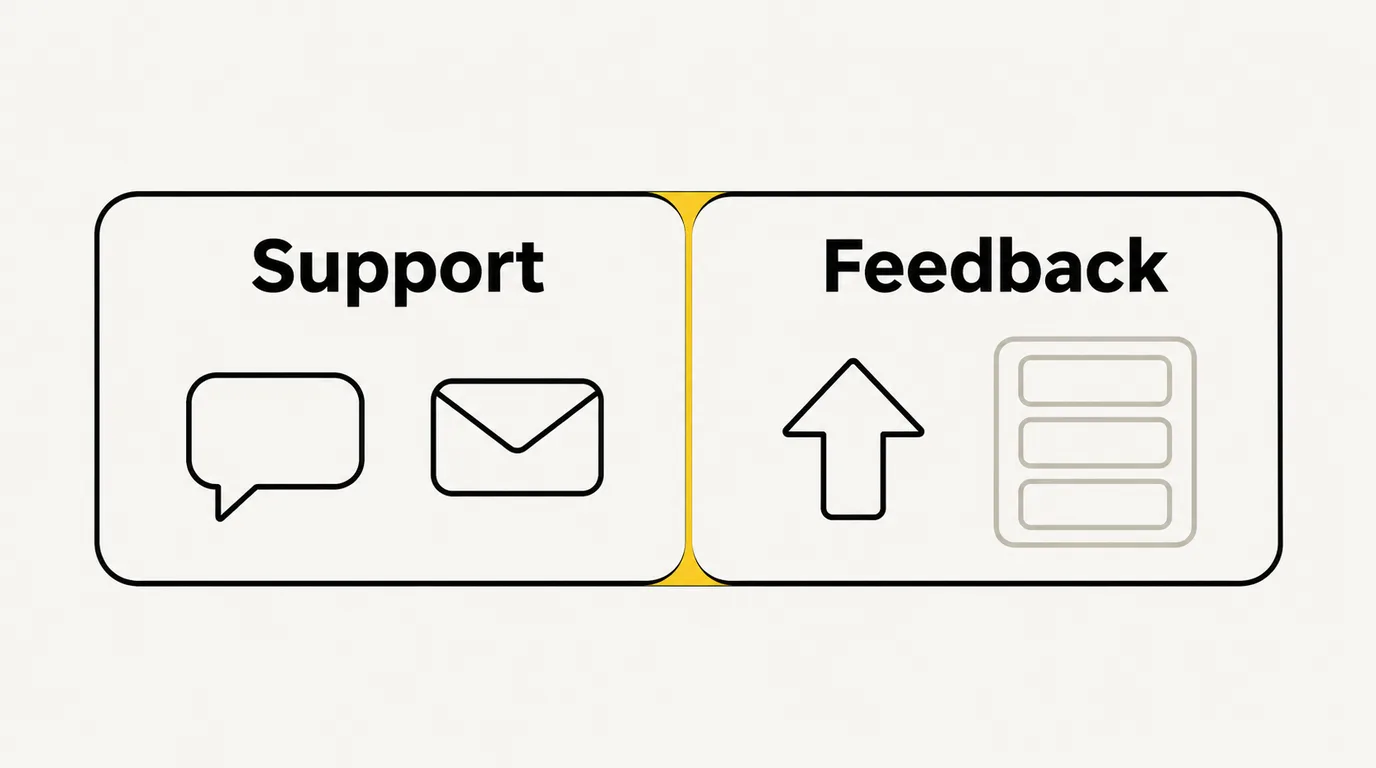
Quackback is now open-source software for customer support and feedback. It has one inbox for live chat, email and GitHub issues, tickets that share a thread with the conversation, SLAs that follow your office hours, a help center with Ask AI, a status page and Quackback AI. Any conversation can become a feedback post or a vote with one click, so what customers ask for in support reaches your roadmap. It's AGPL-3.0, self-hostable, and on Quackback Cloud.
Why support and feedback belong together
The most useful feedback a product team gets usually starts in a support conversation. A customer asks how to export a report, finds out they can't, and says they need it. In most companies that request stays in the help desk. Someone might copy it into a spreadsheet or a feedback tool. Usually nobody does.
Running support in one tool and feedback in another means two bills, two customer records and a manual hand-off between them. We built the support half of Quackback so that hand-off is one click, and the customer who asked hears back when the feature ships.
One inbox for chat, email and GitHub
The support inbox brings three channels into one list:
- Live chat from the Messenger in your in-app widget and your portal
- Email, to an address Quackback hosts. From Pro, replies can go out from your own domain.
- GitHub issues: issues and their comments become conversations, and closing or reopening one syncs back
Your team assigns conversations to a teammate or a team, snoozes them, tags them, sets a priority and leaves internal notes with @mentions. Saved views keep everyone's queue in front of them. Macros turn the replies you send every day into one click, with actions like assign, tag or close bundled in.
Two-way translation shows you each message in your language and sends your reply in the customer's.
Tickets that keep one thread
Some questions take longer than one conversation. A ticket tracks that work without splitting the customer's history. A customer ticket and its conversation are one thread, so nobody hunts for context in a second tool.
- Custom statuses for your team, with simpler stages the customer sees
- Ticket types with their own intake forms in the portal and the Messenger
- Back-office tickets for internal tasks
- Tracker tickets for one problem that affects many customers. Update the tracker and every linked ticket follows.
- Linked issues in GitHub, Jira or Azure DevOps, with the issue's state mapped back to the ticket
SLAs that follow your office hours
Every new conversation can get a default SLA, with first-response and resolution targets, on every plan. Clocks follow your office hours and holidays and pause while a conversation is snoozed or waiting on the customer. On Business and up you can set different SLA policies by team, customer or priority, and start a workflow when an SLA is about to breach or has breached.
When you close an email conversation, the closing email asks the customer to rate it. Ratings feed the CSAT report, next to first response time, time to close and SLA attainment.
A help center your customers can search
The help center holds your articles in nested categories. From Pro it can run on your own domain. Search combines keywords and meaning. Ask AI answers a customer's question in a few sentences, built only from your published articles and citing the ones it used. When search comes up empty, the analytics show you what people looked for, so you know which article to write next.
Categories can be public, team-only or limited to a segment of customers. Articles show up in the widget's Help tab too, so customers find answers without leaving your app.
A status page for incidents and maintenance
The status page lists your components and their current state. Post an incident and its updates, schedule maintenance that starts and finishes on its own, and show uptime history. Subscribers get email updates, and there's an RSS feed and a public API.
Quackback doesn't monitor your services for you. You set component status by hand or through the API, from whatever monitoring you already run.
Quackback AI, for customers and for your team
Quackback AI works on both sides of the conversation:
- The AI agent answers customers in chat from your help center, feedback, changelog and status page. It hands the conversation to a person when it can't help or the customer asks for one. The agent starts on Pro.
- Copilot works beside your team in the inbox. It drafts replies, catches you up on a long thread, suggests next steps and rewrites a draft in your tone. Copilot is on every plan.
How support connects to feedback
This is the part we care most about. When a customer asks for something your product doesn't do:
- Open the conversation and turn it into a feedback post, or add the customer's vote to a post that already exists. The customer and the conversation are attached, so you know who asked and why.
- The request sits on your board with every other vote for it, and you prioritize it on your roadmap.
- When it ships, publish a changelog entry linked to the post. Everyone who voted gets an email, including the customer who first asked in chat.
A person makes that first step on purpose. Quackback doesn't turn conversations into posts on its own, so your board holds the requests your team chose to track.
Open source, like the rest of Quackback
The support features are in the same AGPL-3.0 codebase as everything else. You can read the code on GitHub, self-host it with Docker and Postgres with every feature included, or use Quackback Cloud, which runs the same code and is hosted in the EU. Our security page covers hosting, data handling and access control.
If you're comparing help desks:
- Quackback vs Intercom is an honest look at where each one fits
- Help desk use case shows how teams run support on Quackback
- Open-source help desk covers self-hosting the support side
- The product tour follows a chat answered by Quackback AI as it becomes a feedback post, lands on the roadmap and ships
Try Quackback — open source with a managed cloud option. Try Pro free for 14 days. Start free trial | View on GitHub
Frequently asked questions
What support features does Quackback have?
Quackback has a shared inbox for live chat, email and GitHub issues, tickets, macros, SLAs with office hours, CSAT, a help center with Ask AI, a status page, and Quackback AI: an agent for customers and a Copilot for your team. It all sits in the same workspace as your feedback boards, roadmap and changelog.
Which support channels does Quackback support?
Live chat through the Messenger in the widget and portal, email, and GitHub issues. Quackback doesn't connect to WhatsApp, SMS or social channels. Slack gets alerts about new conversations, but it isn't a channel customers write in.
Does support turn conversations into feedback automatically?
No. A teammate turns a conversation into a feedback post, or adds the customer's vote to an existing post, with one click. When that post ships, the changelog emails everyone who voted, including the customer from the conversation.
Is the support side included in the open-source edition?
Yes. The inbox, tickets, SLAs, help center, status page and Quackback AI are in the same AGPL-3.0 codebase. Self-hosted Quackback includes every feature. On Quackback Cloud, some features depend on your plan. See the pricing page for the details.
Can I import my help desk from Zendesk or Intercom?
Not yet. Quackback has no help desk importer. Feedback comes in through a CSV import, and you can recreate help center articles by hand or through the REST API.

Written by James Morton. Founder of Quackback, the open-source platform for customer feedback and support.
Quackback is open-source software for customer feedback and support
Feedback boards, a public roadmap, a changelog and a support inbox in one place. Try Pro free for 14 days, no card needed.
Keep reading
How to Build a Self-Service Help Center for Your SaaS (2026)
A self-service help center deflects support tickets and helps users solve problems on their own. Here is how to build one that people actually use.
Salesforce Bought Fin (Formerly Intercom): What Customers Should Know
The company behind Intercom renamed itself Fin, and Salesforce completed its $3.6B acquisition in September 2026. What's known, what isn't, and what Intercom customers can do now.
How to Connect Your Feedback Tool to Claude and Cursor via MCP
Step-by-step guide to connecting Quackback, Canny, or Productboard to AI assistants via MCP. Set up in under two minutes with Claude Code, Cursor, Claude Desktop, or VS Code.